GCash
Scan or save your QR.
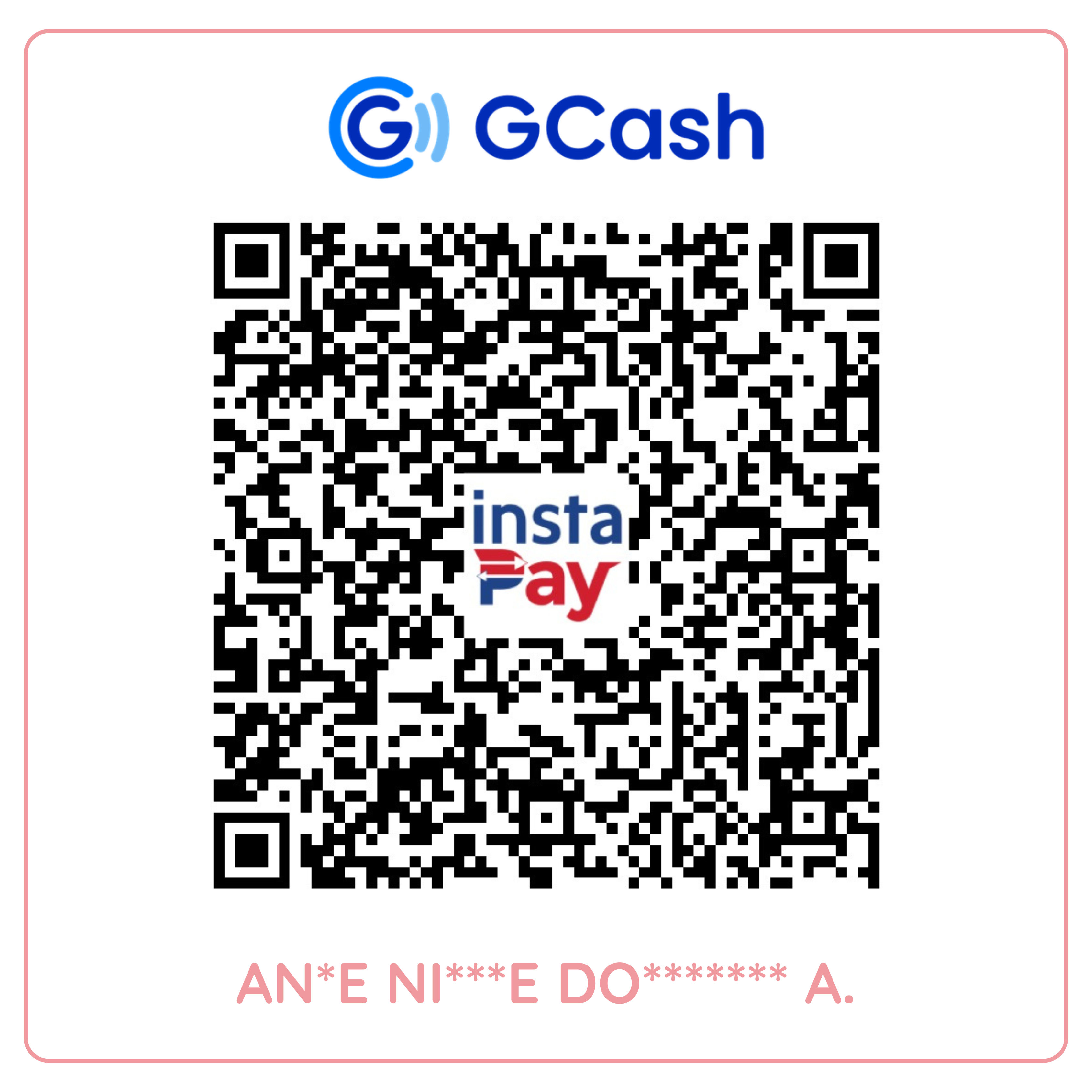
Once you’ve paid, keep your receipt for the next step.

Choose how you’d like to pay, then send us your proof of payment. We’ll help with the next steps from there.
01 / CHOOSE WHAT WORKS FOR YOU
Choose a payment method to view its QR code.
02 / MAKE YOUR PAYMENT
Once you’ve paid, keep your receipt for the next step.
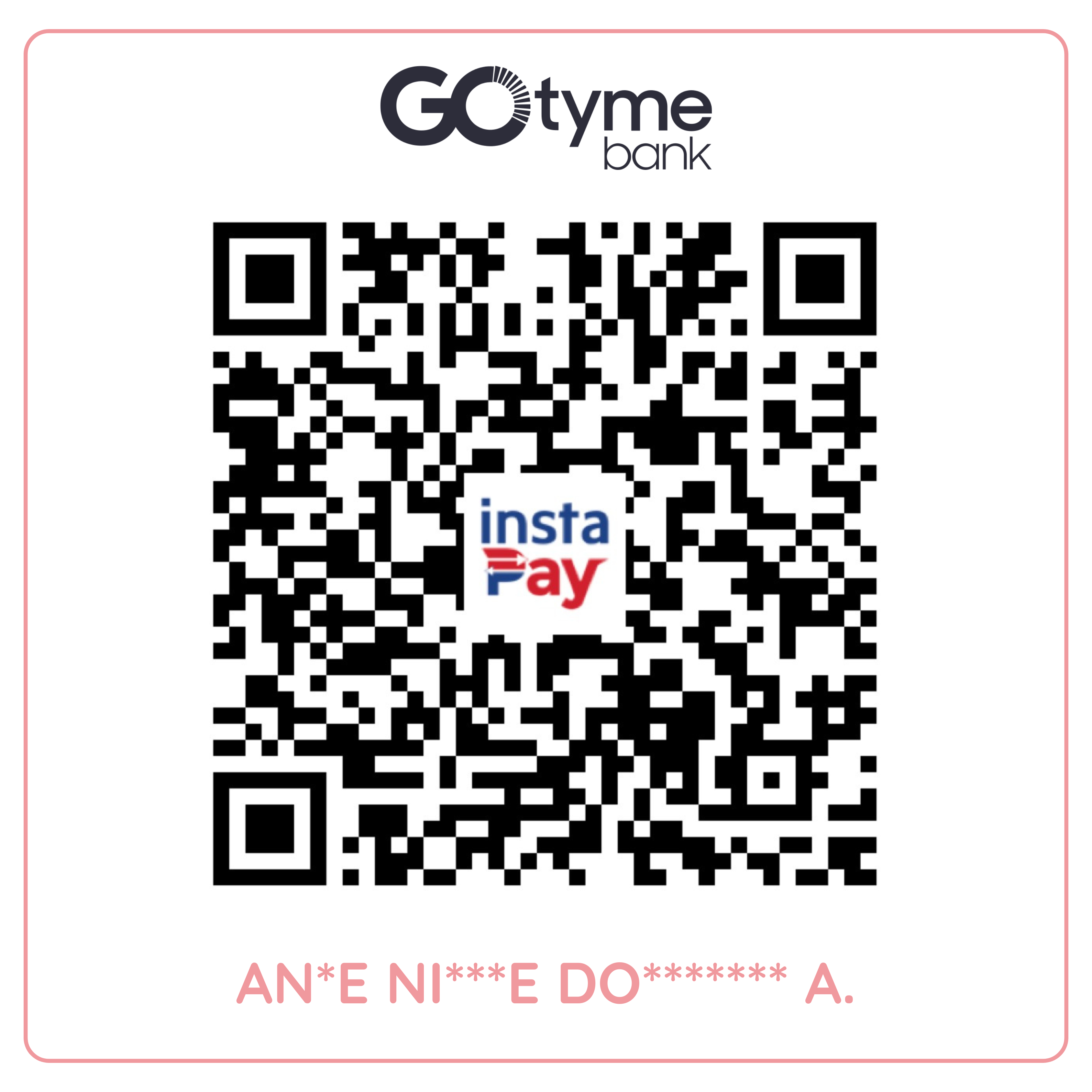
Once you’ve paid, keep your receipt for the next step.
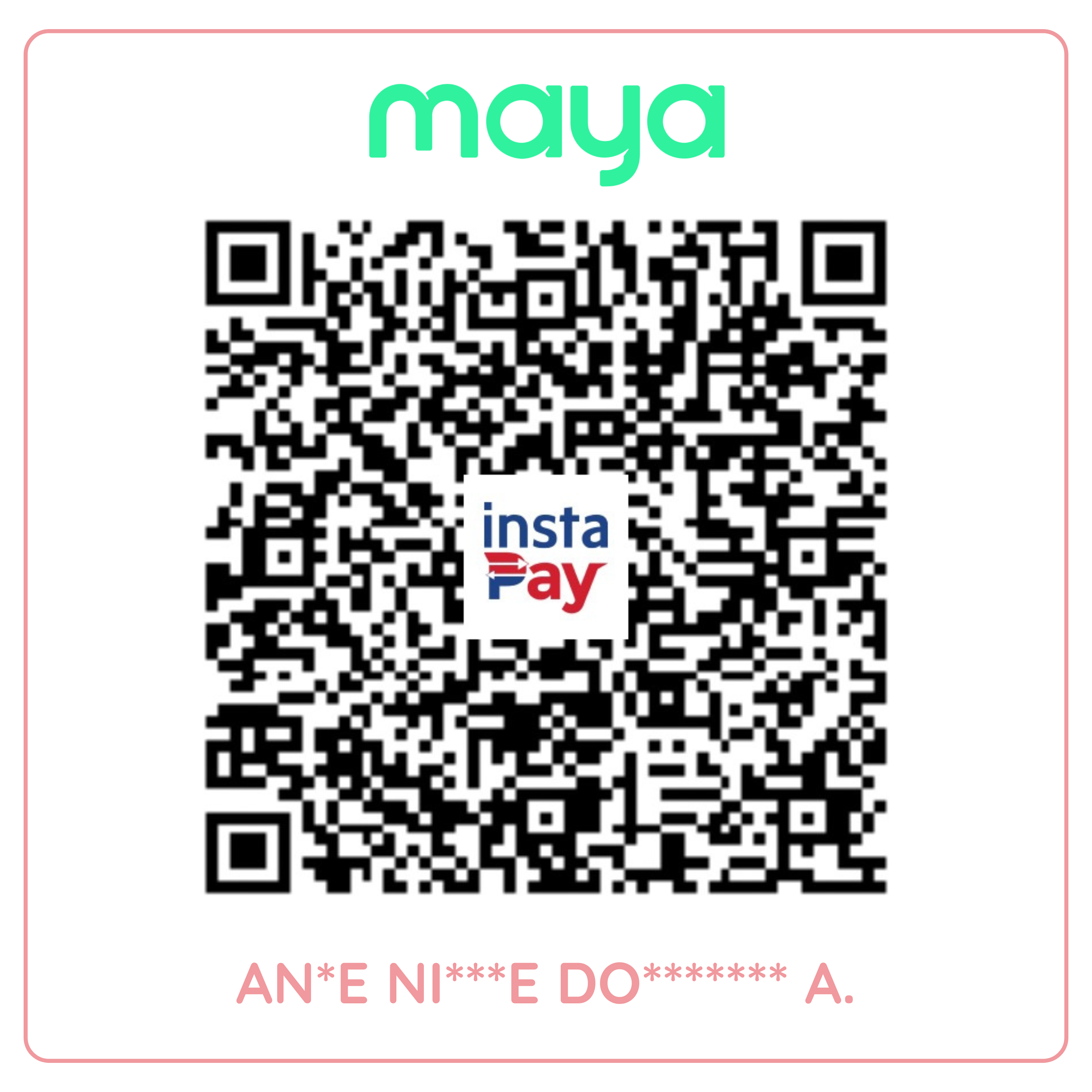
Once you’ve paid, keep your receipt for the next step.
03 / SEND YOUR PROOF OF PAYMENT
Once you’ve paid, send us your receipt using the form. We’ll review your payment and help with the next steps for your order or access.
A LITTLE EXTRA HELP
Use the confirmed PHP amount for the product, plan, or order you’ve chosen. Not sure about your total? Send us an email, message us on Facebook, or fill out our contact form. We’ll be happy to help before you pay.
Save the QR image to your phone. If your payment app lets you upload a QR from your photos, choose the saved image there. You can also open the QR on another screen and scan it with your phone.
We’ll need to verify your payment first. After paying, send your proof of payment using the form. Kindly allow us time within the day to verify your payment, process your order, and send your files or activate your account. Thank you for your patience!
Shop our products or send us a message anytime. We’re happy to help, and we’ll get back to you within 24–48 hours or as soon as we can.

© Copyright 2026. Mommypreneurph. All rights reserved.


